
Player overview
View each linked child’s programme, team, membership status, package expiry, insurance and upcoming training.
The F17 parent experience
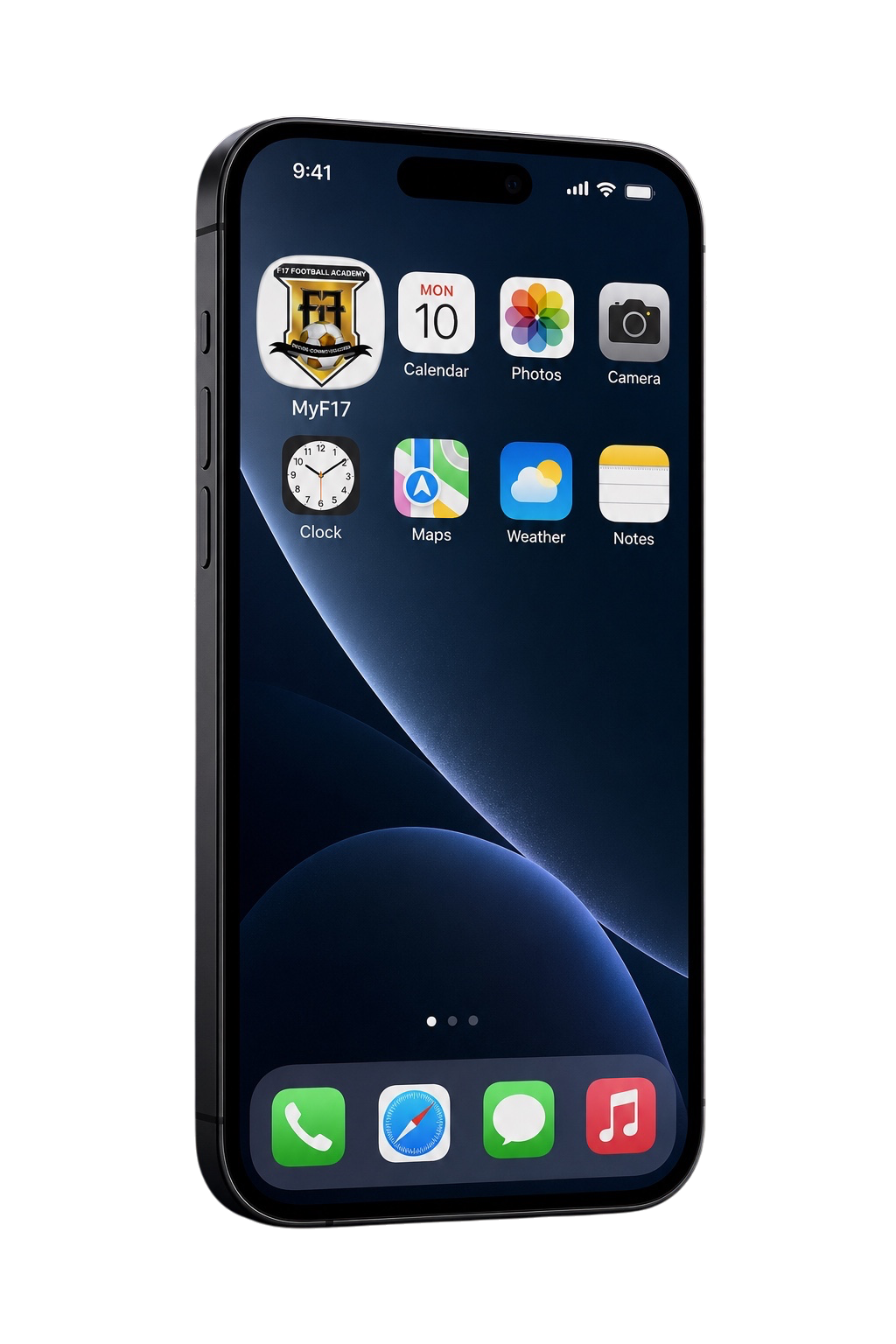
An installable web app that keeps player information, training responses, payments, renewals, team requirements and academy updates together in one secure place.
Built for F17 families
MyF17 gives parents a simple view of the information and actions that matter throughout the season.
View each linked child’s programme, team, membership status, package expiry, insurance and upcoming training.
See training schedules and respond Attending or Not Attending when an RSVP is available.
Review invoices, renewal details, eligible discounts, credits and additional charges before secure payment.
Submit eligible absence, make-up, pause or withdrawal requests and follow their approval status.
Access assigned team information, league updates, requirements, documents and approval progress.
Read announcements and receive permitted browser notifications about training, payments and player activity.

Why a web app?
MyF17 is not a basic website. It is a Progressive Web App designed to behave like an app while remaining securely accessible through your browser.
Add to your home screen
Always open the official MyF17 portal before following the steps for your device.
Apple
Renewing a programme
Quick answers
No. Open the official portal in Safari or Chrome and add it to your home screen using the installation steps above.
F17 publishes improvements directly. Refresh MyF17—and fully close and reopen the installed app when needed—to load the latest version.
Yes. One parent account can show multiple linked children. Select the correct player before completing a child-specific action.
Check that notifications are enabled inside MyF17 and allowed in your browser or device settings. Important information should also be checked directly in the portal.
Yes. Eligible invoices and renewals open the secure checkout, where the currently supported payment methods are displayed.
MyF17 requires authorised access for private family information. Never share your password, verification link or payment credentials with anyone.
For current F17 families
Open the portal, refresh to the latest version and select your player.